How to share a YouTube video with your kid without sending the algorithm too
Sharing one YouTube video with your kid shouldn't deliver the whole platform. A specific scenario that prompted this post, and the smallest possible fix.
Last month my five-year-old came in from the backyard, found his older sister watching something on her tablet, sat down next to her, and within four minutes was watching a video about a cartoon character getting graphically hit by a bus.
This is not a story about her doing something wrong. She'd opened a perfectly fine video that her friend had texted to her, something about Minecraft. The video ended. The next video autoplayed. Then another. And by the fourth video the algorithm had landed on whatever it was that my son walked in on.
The friend who texted my daughter the original video did nothing wrong either. She'd just hit "share" on YouTube, picked Messages, and sent it. That's the entire story. No malice, no carelessness, no parenting failure. Just a regular kid texting a regular video to a regular friend, and the algorithm doing what the algorithm does.
I'm Austin. I've been thinking about this exact moment for two years now, because it's why I started building VidCove in the first place. This post isn't a pitch for VidCove. It's a much smaller and more specific problem, the one in the title of this post.
You want to share a YouTube video with your kid. Or text one to a parent friend whose kid is going to watch it. Or AirDrop one to the tablet your kid uses. You want them to watch that one video, not the algorithm's idea of what comes after.
Here's how to actually do that.
The shape of the problem
When you share a YouTube link, you're not sharing the video. You're sharing an invitation to YouTube.
That invitation comes with a pre-roll ad you can't preview. An autoplay default that takes the viewer to the next algorithmically-picked video the moment the original ends. A "more videos" grid optimized for watch time, not for whether your kid should be watching it. A Shorts shelf that wasn't there a few years ago and now appears almost everywhere. A comments section. Whatever else YouTube decides to add to its product over the next month.
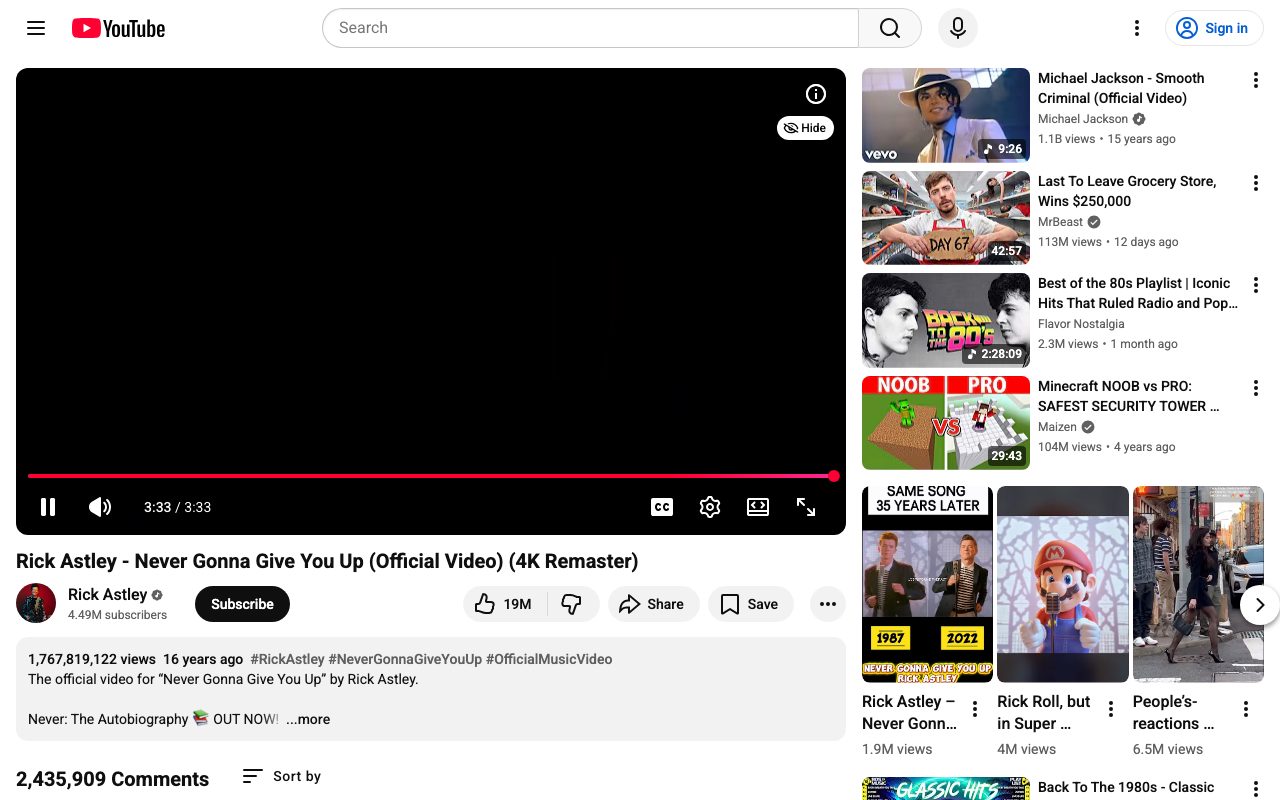
For an adult watching their own video on their own time, this is a slightly annoying experience. For a six-year-old watching alone after dinner, it's a slot machine.
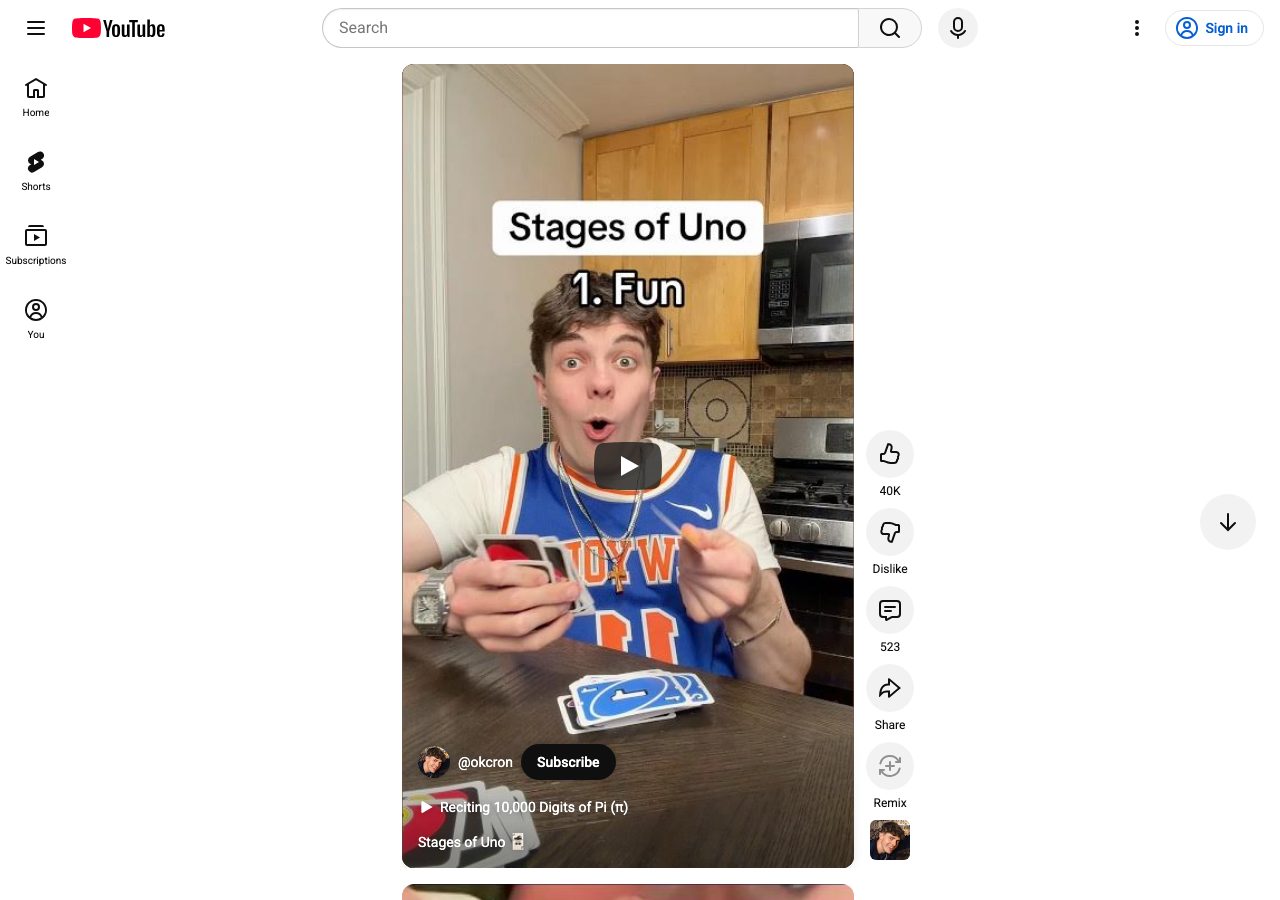
There's no setting on YouTube that fixes this. The "share" button on YouTube has no "share without the algorithm" option. The platform has chosen, repeatedly, not to give you that option.
So you have to route around it.
The fix, for one video at a time
If the problem is "I want to send my kid (or my friend's kid) one specific video," the fix is small and easy. You convert the YouTube link into a "safe link," a clean URL that plays only that video, with nothing after it.
There are several free tools that do this. We built one of them, VidCove Safe Link, because the previous most-popular free tool (ViewPure) shut down in early 2026 and the main paid alternative had gotten frustrating to use.
The workflow is fifteen seconds:
- Find the video on YouTube. Copy the link.
- Go to vidcove.io/share. Paste the link.
- Get back a clean version. Text it, AirDrop it, paste it in your family group chat, whatever.
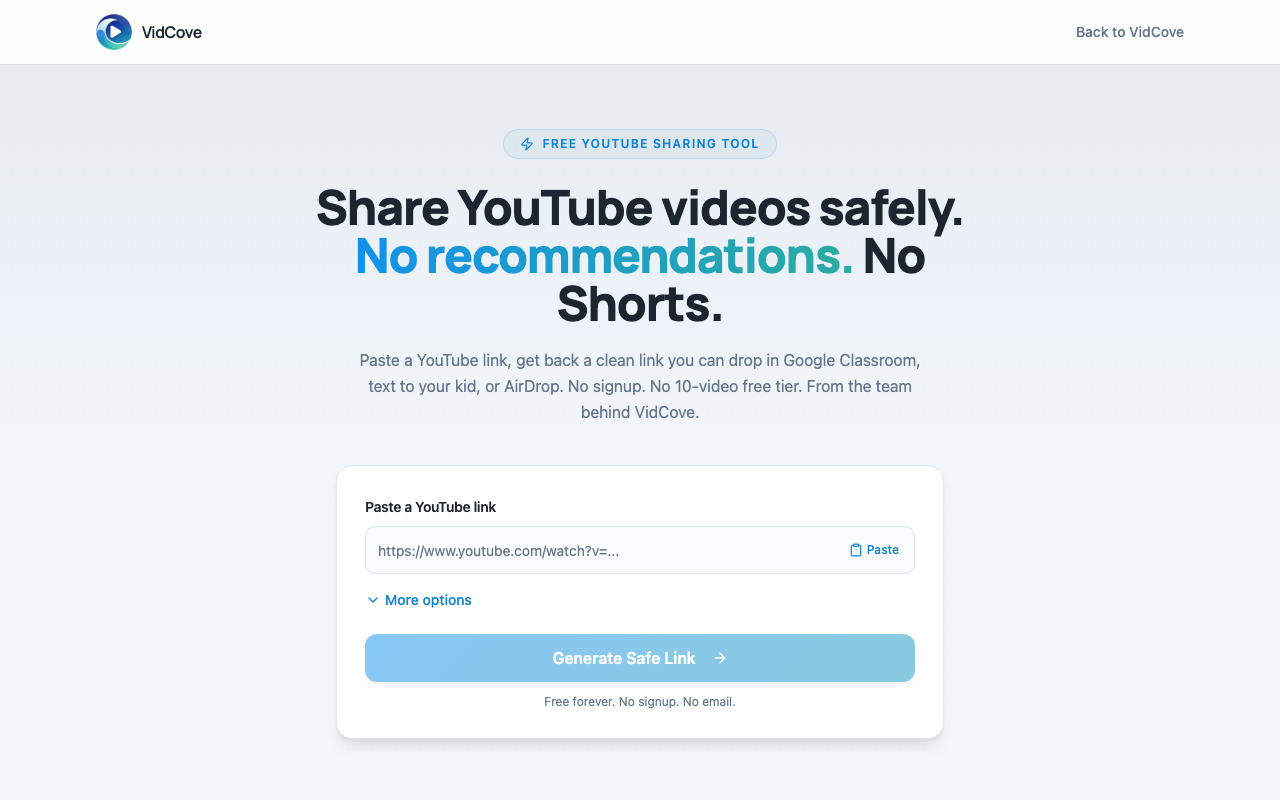
When the recipient clicks, they see the video. When the video ends, they see a "watch again" button. They don't see related videos. They don't see Shorts. They don't see comments. The algorithm isn't invited to the conversation.
It's free, no signup, no premium tier. Use it as much as you want. Other free options exist too. video.link is good if you also need Vimeo support, and the hub post on ViewPure alternatives has a fuller list with honest tradeoffs.
Get a clean link in fifteen seconds.
Paste a YouTube URL. Get back a clean shareable link with no recommendations, no Shorts, no comments. Free, no signup, no email.
Open Safe Link →Three places this matters more than you'd think
It's worth being concrete about when this small fix actually pays off.
Family group chats. Your sister sends a "haha look at this" video to the family chat. Her teenage nephew opens it on his phone. Twenty minutes later your kid has the phone because they wanted to show grandma something. The video your sister sent ended ten swipes ago. Where are they now? Nobody knows. A safe link breaks that chain. The video ends, the algorithm doesn't take over.
Texting between kids. This is the one that got me. Your kid's friend texts them a video. Your kid clicks. The video plays. The video ends. Autoplay picks the next thing. You are not in the room. A safe link, again, breaks the chain.
Grandparents. My in-laws love to send the kids videos they think they'll find funny. The videos themselves are fine. The autoplay queue that follows is wildly variable. Teaching grandparents to use a safe-link tool is not realistic, but you can ask them to send the video to you and you forward the safe version. Or you can just send them the bookmark to a tool and hope.
The bigger problem this doesn't fix
I'd be lying if I told you a safe-link tool solves the YouTube problem for your kid.
It solves one moment. A single video, shared once. It doesn't solve the broader fact that if your kid has YouTube, your kid has the algorithm, the Shorts feed, the recommendations, and the rest of it. A safe link sent over text doesn't change what your kid sees when they open the YouTube app on their tablet tomorrow morning.
I built VidCove because the bigger problem needs a bigger answer. VidCove is a parent-curated YouTube alternative. You whitelist the channels your kids can watch, and the algorithm, Shorts, comments, and ads are stripped out entirely. Your kids still get YouTube content. They just don't get YouTube's defaults.
If the moments described above are a regular feature of your week, that's the broader fix to look at. There's a seven-day free trial. And if you just want to know whether a specific channel your kid watches is actually safe, we built a free Channel Safety Grader for that. Paste a channel, get a report, no signup.
But if all you need today is to send one video to one kid without the algorithm coming along: that's what Safe Link is for. It's free, it's fast, and it's the smallest possible fix for the smallest possible version of this problem.
That's enough of a fix to be worth doing.
When one video isn't the whole problem.
If your kid uses YouTube regularly and the moments in this post happen more than once a week, VidCove is the broader fix. Approve every channel. No Shorts. No algorithm. Get a weekly report on what they watched.
Start Your Free Trial →Austin is a parent of two and the founder of VidCove. He lives in Lincoln, Nebraska. If you want the tactical "what tools are out there" version of this post, the hub post on ViewPure alternatives covers that. If your kid uses YouTube regularly and you're worried about more than just one shared video, VidCove is what we built for that.
Related reading: